






RaycastSample
Updated: 09/29/2026
Summary
This sample uses the Cubism SDK for Unreal Engine to implement a model’s raycast function in Unreal Engine.
See “Raycast (UE)” for details on the raycast function.
The following asset is available in Content/Samples/Raycast.
- RaycastSample
Level asset containing the sample
Purpose
You can verify that it is possible to perform a raycast on the HitArea defined in the Mao model’s .model3.json file and, based on the result, trigger actions such as motion and facial expressions.
If you want to see the details of the sample implementation, check the contents of the RaycastSample level’s level blueprint.
Note that if HitArea is configured in .model3.json, a CubismRaycastComponent will be automatically added to the model.
How to use
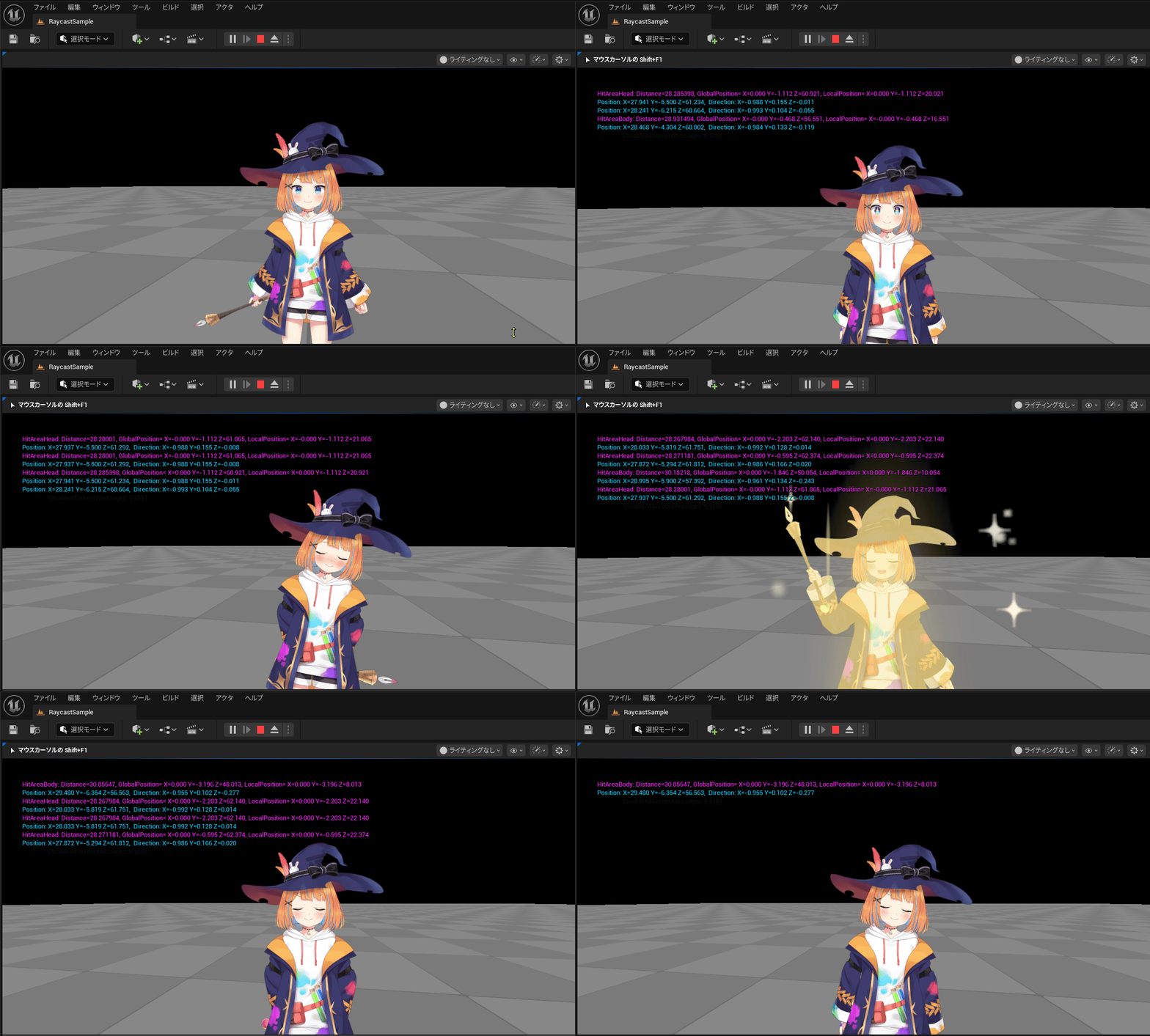
Open the RaycastSample level and start PIE. If the model is displayed too far away, move closer to the model.
Next, click a point where the collision is detected on the model near the View’s center coordinates.
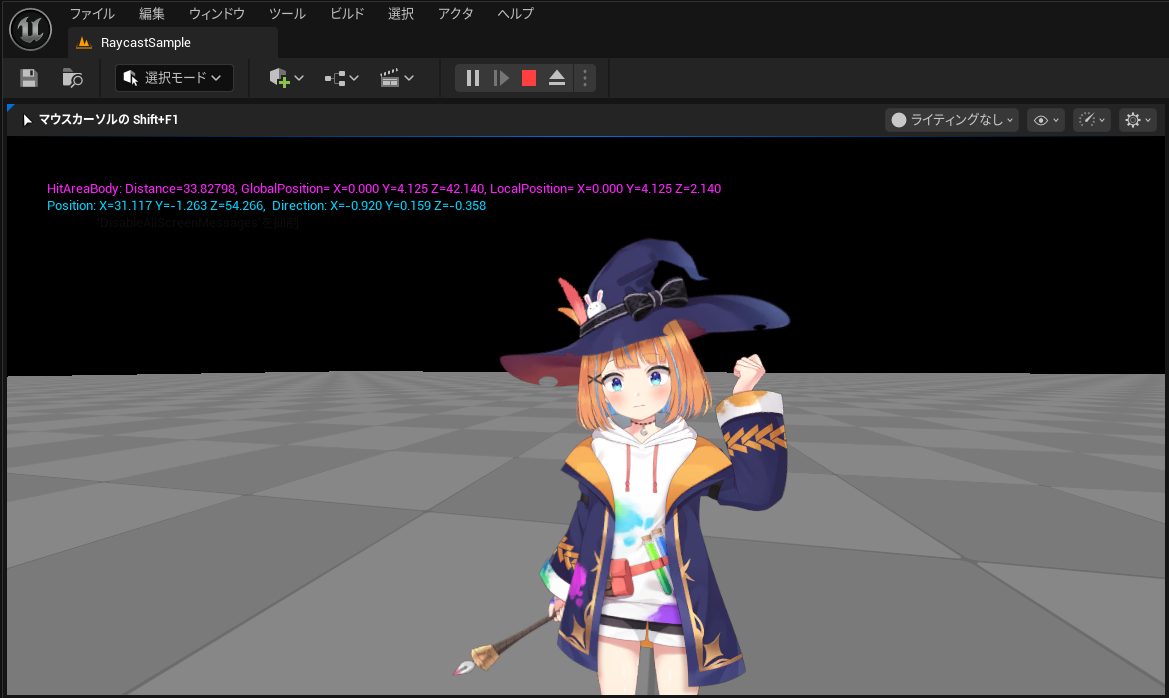
The log appears in the upper-left corner, and when the click lands on the point where the collision is detected on the model, that log entry is displayed in pink text.
Additionally, if any motions or facial expressions are set for the collision detection, they will be played back at the same time that the log entry is displayed.