








Update components in editor mode
Updated: 09/29/2026
Components such as a model’s eye blinking and poses are applied when the Unreal Engine editor is running, but you can verify the application of some components even when the editor is not running.
The following components allow you to verify the application even when the editor is not running.
- CubismPose
- CubismEyeBlink
- CubismPhysics
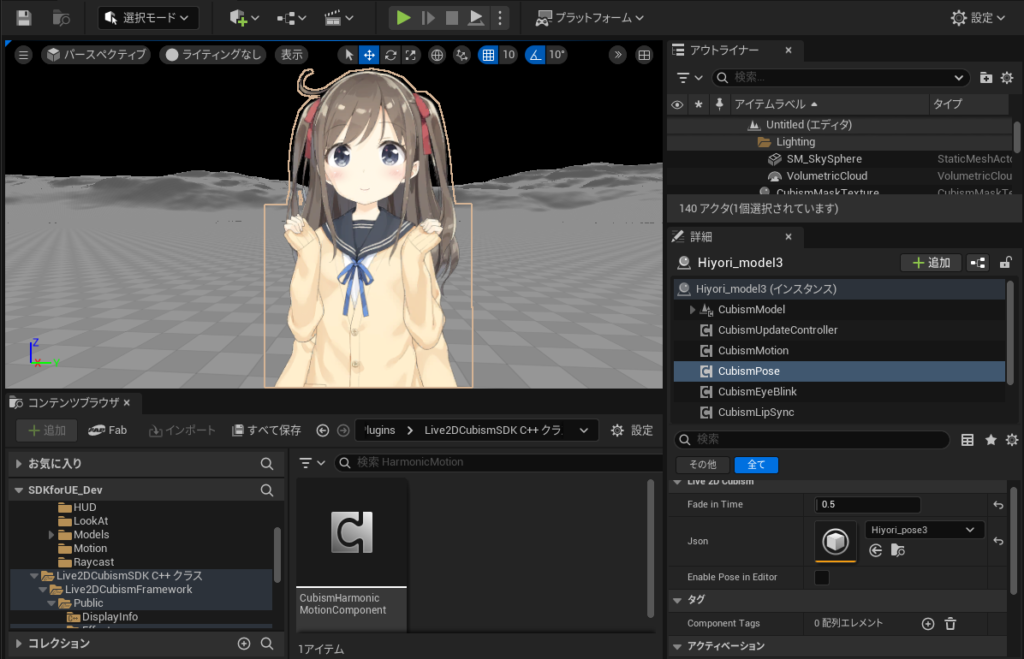
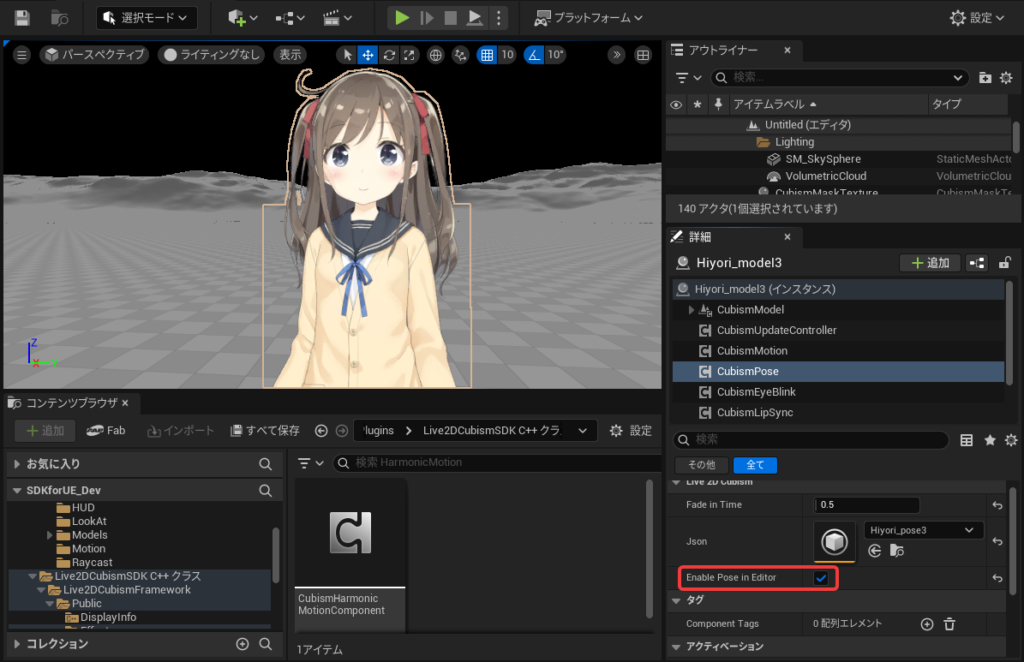
To apply parameter updates and verify the behavior of these components while the editor is not running, select the Live2D Cubism -> “Enable in Editor” checkbox in the Details panel.
Example: The “Enable Pose in Editor” checkbox in the CubismPose component is cleared.
The “Enable Pose in Editor” checkbox in the CubismPose component is selected.
Was this article helpful?
YesNo